An aspect ratio describes shape, not resolution. Use 9:16 as a vertical starting point, 4:5 for a taller feed layout, 1:1 for a square and 16:9 for widescreen. Choose by destination placement, then check pixel dimensions and upload requirements separately.
Screenshots show the current workspace. Click any image for a closer look.
Landscape and vertical
16:9 is a widescreen composition; 9:16 is its vertical counterpart. Several mobile platforms share a vertical format, so each platform does not automatically require a separate generated version.
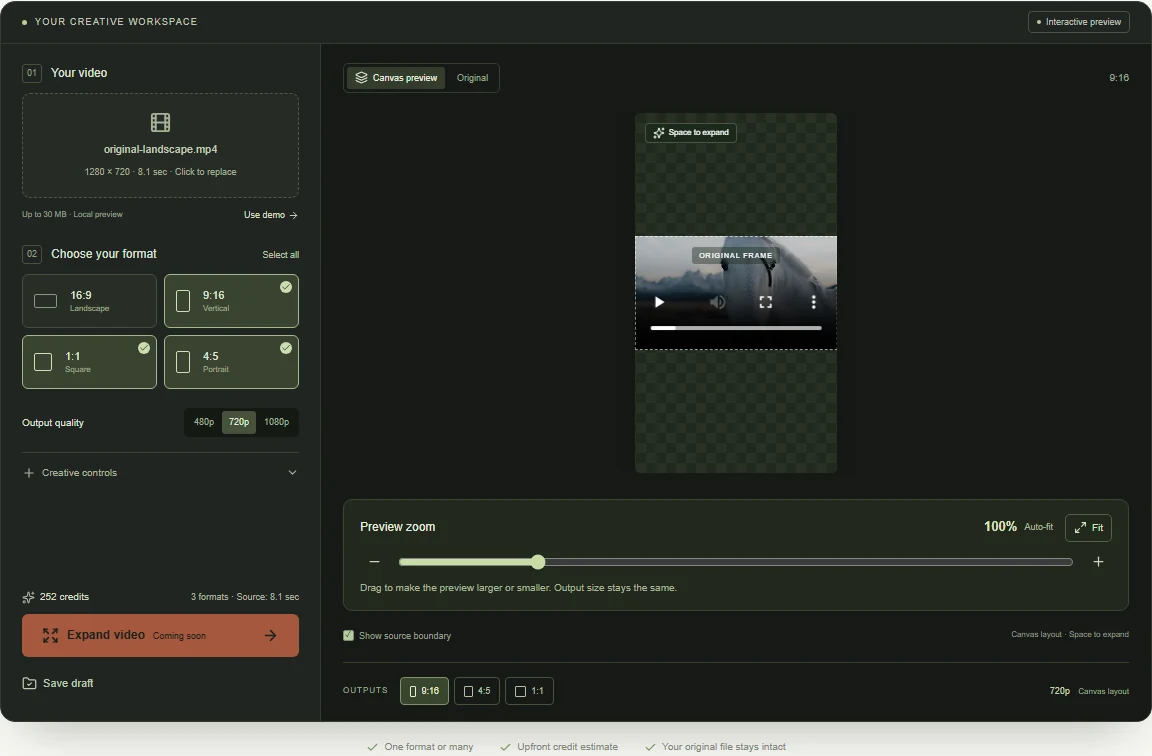 View full-size screenshot
Square and portrait feeds
1:1 creates a square frame; 4:5 creates a moderately tall portrait frame. Check the current placement specifications and preview the final asset in the actual publishing tool.
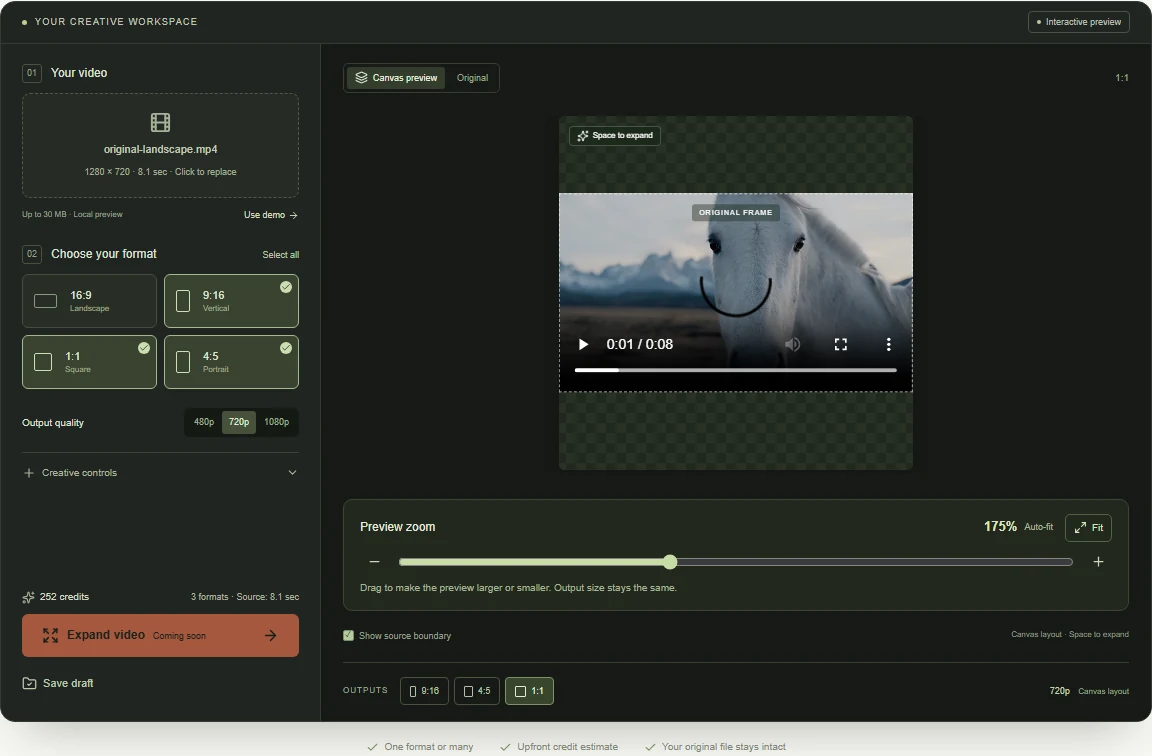 View full-size screenshot
Aspect ratio is only one part of delivery
Also check pixel dimensions, video duration, file type, audio and areas covered by the interface. Avoid placing essential captions or logos where platform controls could obscure them.
Keep output choices flexible
Select just one ratio when that solves the task. Add other formats when there is a clear destination for them. In this preview you can save a draft with several ratio selections; live 4:5 processing requires the later post-processing stage.
Common questions
What is the difference between 9:16 and 1080 × 1920?
9:16 is a width-to-height ratio. 1080 × 1920 is one pixel size with that ratio; 720 × 1280 has the same shape with fewer pixels. Ratio selection alone does not specify final resolution.
Should I use 4:5 or 9:16 for Instagram?
Choose by placement. A Reels layout commonly starts at 9:16, while 4:5 can serve a portrait feed placement. Review the current requirements and publishing preview for the exact destination.
Do I need all four video aspect ratios?
Only select formats with an intended destination. Several platforms can share one shape; extra selections increase the number of compositions to review and, once generation is enabled, independently generated outputs to pay for.
Choose the formats your video needs.
Compare 16:9, 9:16, 1:1 and 4:5 in the editor. Select a single ratio or build your own set.
Upload your clip, shape the canvas and save your composition.