Crop when the important action fits the destination frame. Use padding or blur when every source detail must remain visible without invented surroundings. Consider outpainting when extra scene content improves the composition and you can review the generated result.
Screenshots show the current workspace. Click any image for a closer look.
When a crop is enough
If the important action fits within the new frame, cropping is usually the simplest option. A tracked crop can follow a subject. It changes the composition, so review moments where the subject moves toward an edge.
When padding makes sense
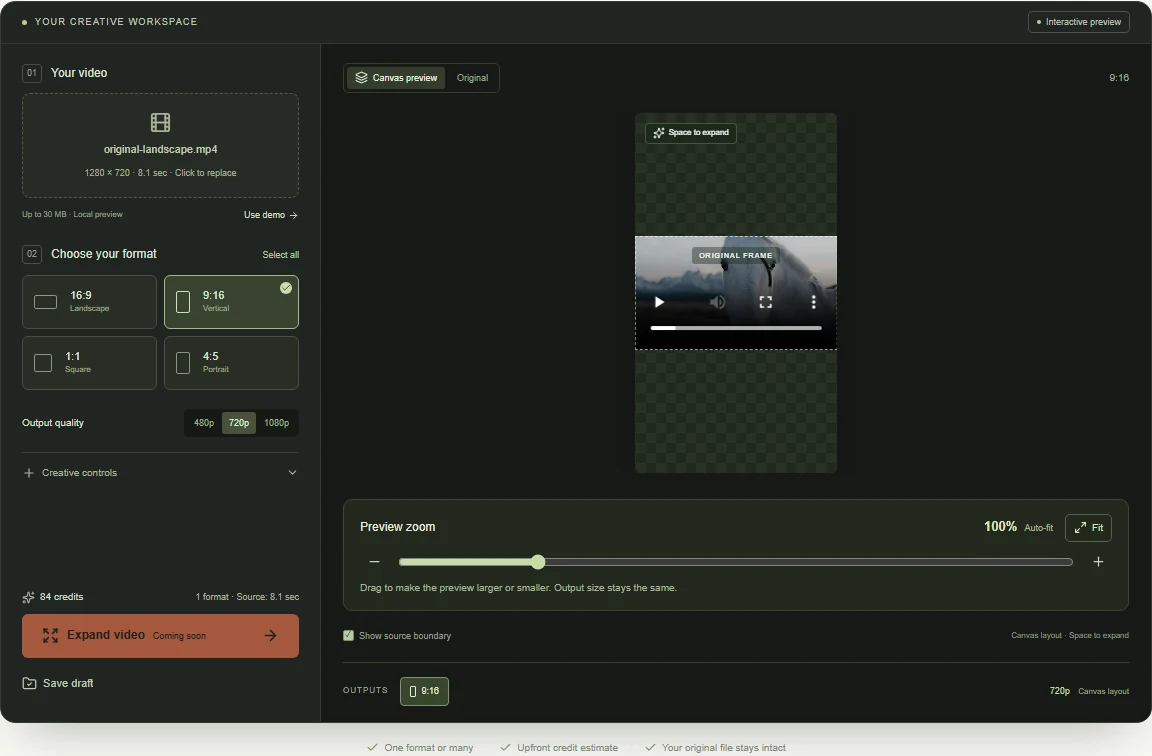
A plain or blurred background preserves the full source and can be produced without generative AI. It is useful for quick delivery or for material that should not gain invented scenery.
 View full-size screenshot
When to consider outpainting
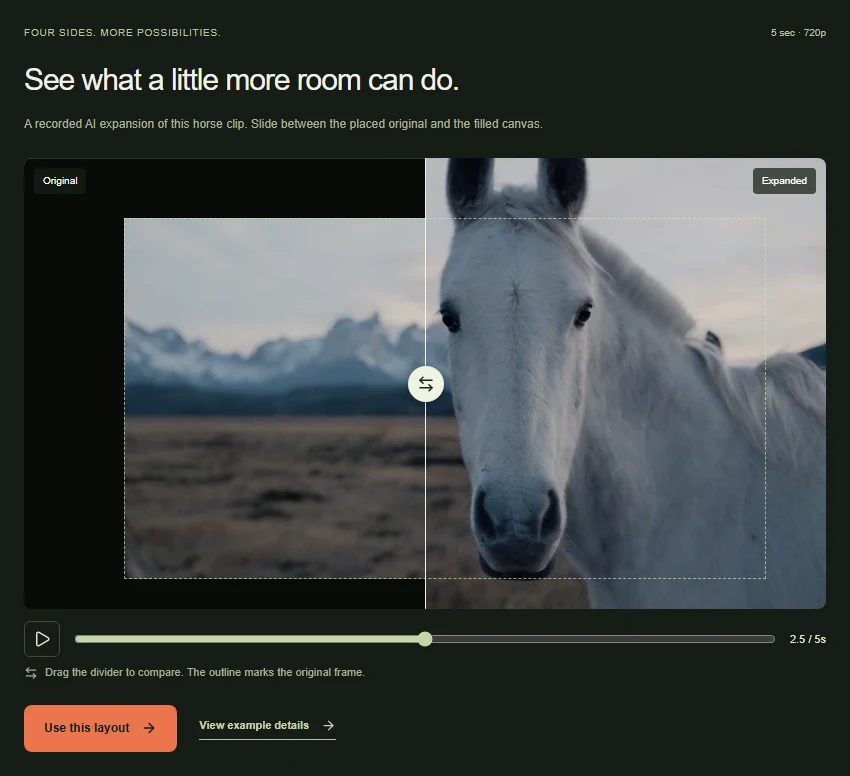
Use expansion when the composition benefits from additional scene content. A landscape background or a simple studio setting can be a useful first test. Generated regions are plausible new imagery, not recovered evidence of the original environment.
Compare the full clip
Inspect motion and edge transitions rather than picking a method based on a still image. If a result looks unstable, a less ambitious expansion or a conventional padded version may better suit the project.
 View full-size screenshot
Common questions
Is AI outpainting better than a blurred background?
It depends on the shot. Outpainting can create a continuous-looking scene, but may introduce artifacts or change details. Blur is a practical choice when preserving the source is more important than creating new surroundings.
Is resizing the same as cropping?
Resizing changes dimensions; cropping removes part of the picture. A resize can preserve the source proportions, while changing to a different canvas shape requires fitting, cropping or filling the remaining space.
Can I create a blurred background in this editor?
This workspace previews expansion layouts and recorded AI results. It does not currently export a blurred-background video. Use a conventional editor when blur or plain padding is your chosen delivery method.
Check the whole shot before choosing a crop.
Drag a new canvas around the full source, then decide whether expansion suits the composition.
Upload your clip, shape the canvas and save your composition.